What to Do First
The immediate steps in order — who to ring, where to register the death, and the details you will be asked for.
Estate preparation · Bereavement admin
UnderCroft helps you prepare an estate while you still can — and helps the people you leave behind deal with the paperwork when the time comes. Record what matters, work through the practical steps in order, and leave clear instructions instead of unanswered questions.
It is built for a difficult subject, so it stays plain, unhurried and specific.
Available for iPhone, iPad and Android. Your vault stays private to you and the people you choose to share it with.
Eight guided sections cover the practical side of an estate. Each one holds its own checklist, notes, photos and documents, and tells you where to go next rather than leaving you to work it out.
The immediate steps in order — who to ring, where to register the death, and the details you will be asked for.
Where the will, deeds and certificates are kept, and what your solicitors are holding for you.
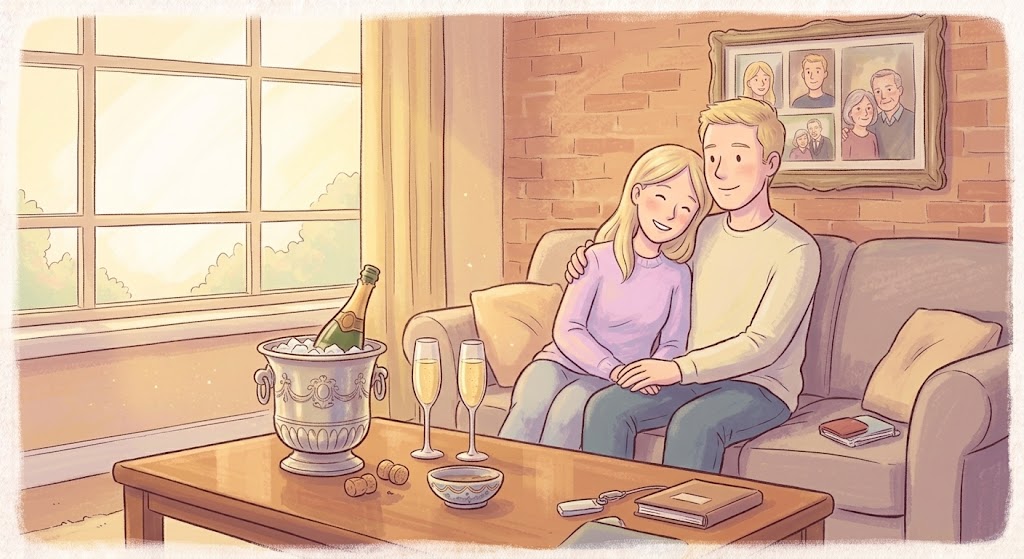
The court process for your region, broken into ordered steps with the forms, fees and contact details.
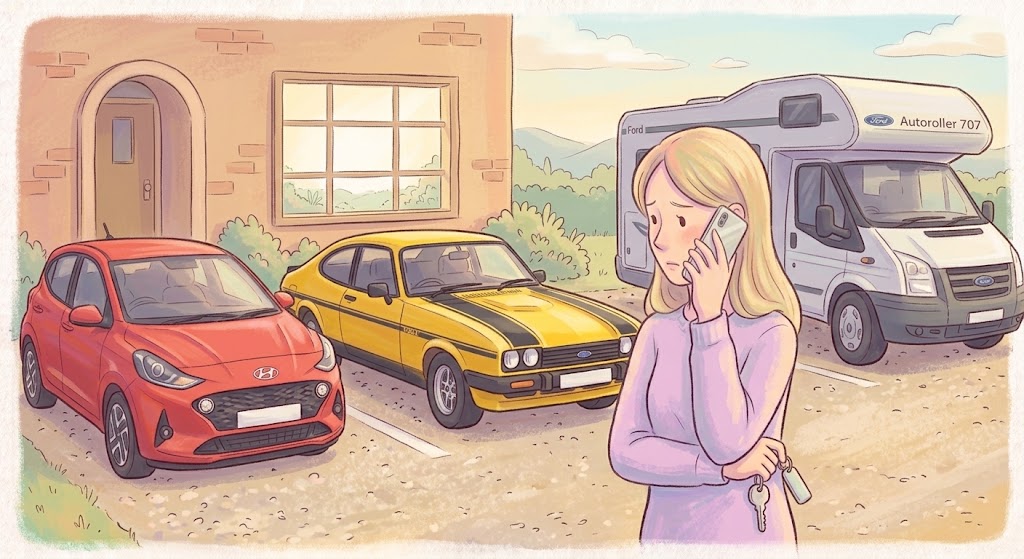
Who to notify, insurance to sort, and what to do with the vehicle itself — keys, paperwork and all.
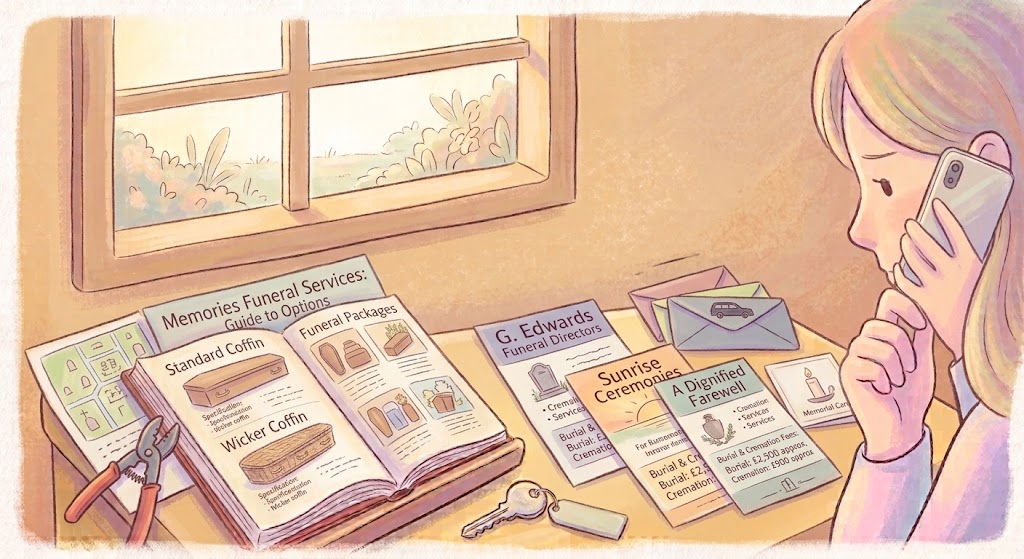
Wishes, readings, music and the people to contact, so nobody has to guess what you would have wanted.
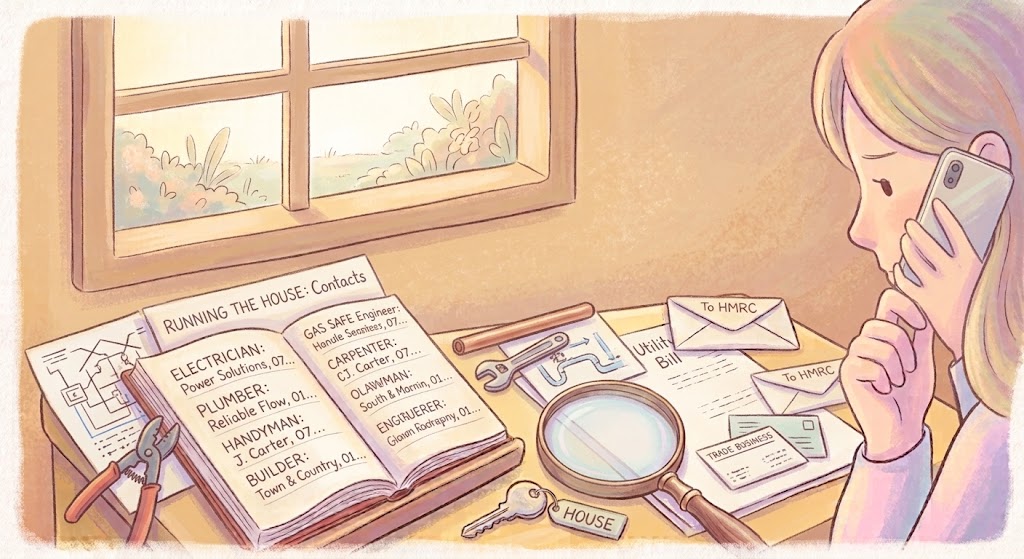
Utilities, bills, accounts and access details — the things someone needs to keep a home going.
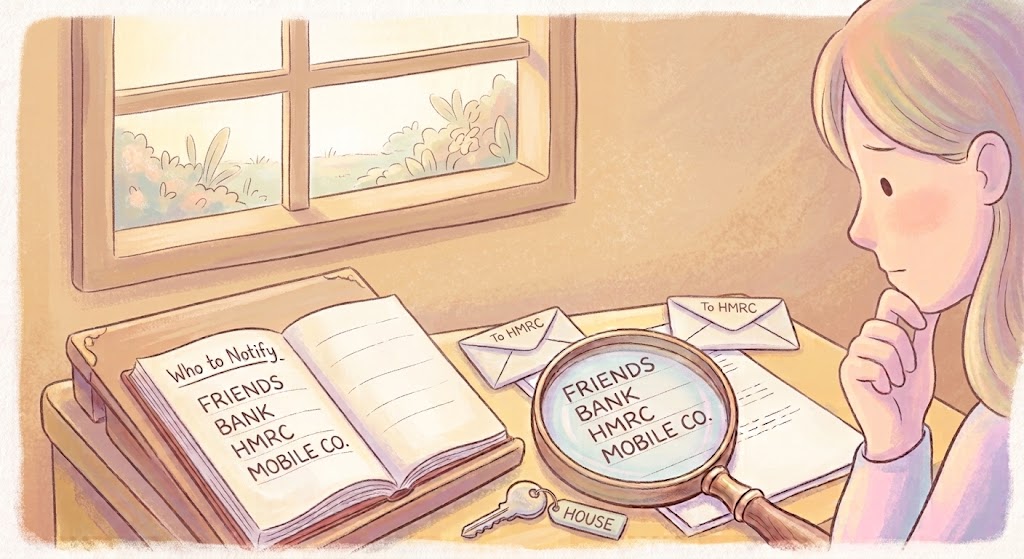
Every organisation and person to tell, with the contact details and what each one needs from you.
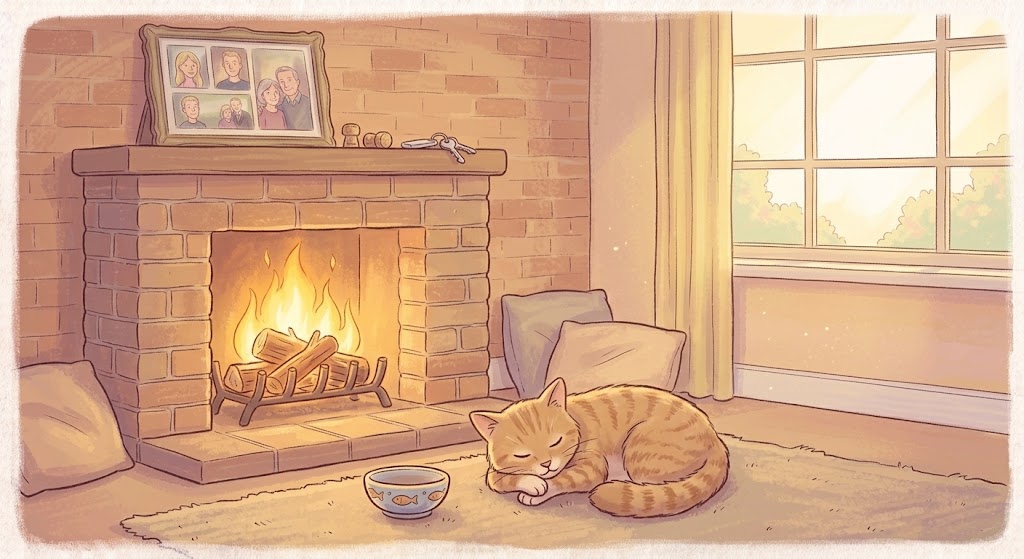
Vets, insurance, microchips — plus a free-form section for anything particular to your household.
An estate is more than a list of tasks. UnderCroft keeps room for the things people are actually going to want, alongside the paperwork.
This is the most personal information you will ever write down. It is handled accordingly — and you can see that in how the app behaves.
Preparing an estate is rarely a solo job. An owner can invite an executor or a co-owner to work alongside them, and take that access away again if circumstances change. Nobody else can see inside.
An hour now saves somebody a great deal of guesswork later. Try the demo first if you would like to look around before creating an estate.
Or try the demo in your browser first.